
Accept Payments. Collect Tips. Keep It Simple.
Accept payments for your services and collect tips - with QR codes, payment links, or Tap to Pay, all in one app.
One app for the job
and the tip.
Suggested tips and links
Preset amounts, any amount, or a one-time link.
Your QR code, ready anywhere
Every payment page gets its own QR code and shareable link. Show it on your phone, print it on a badge or sign, or send the link directly to your customer.
Instant payouts
Eligible instant payouts typically arrive within minutes. Fees apply.
Know what you earned
See your payment history, keep tips and service payments organized separately, and export your transaction records when you need them.
Tax-ready records
CSV export, and a 1099-K at IRS thresholds.
Web and mobile app
One account on the web, iOS and Android.
From job done
to paid.
- Step 1
Create your page
Set up a service payment page or tip page with your name, message and payment amounts.
- Step 2
Share it
Show your QR code, send your payment link, or use Tap to Pay for an in-person payment.
- Step 3
Get paid
Your customer pays using a supported payment method. No tipme account is required on the customer side.
- Step 4
Cash out
Keep track of your available balance and cash out using an available payout method.

Your QR code goes
where you do.
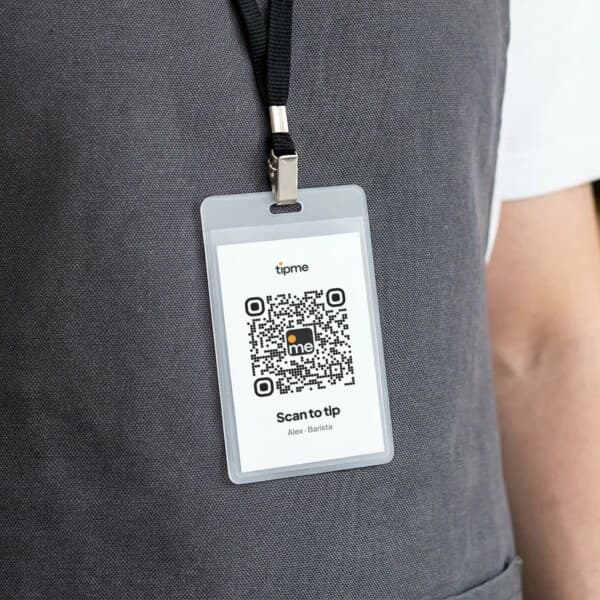
Wear it
Put your QR code on a badge or pin so customers can scan it when they're ready to pay or tip.
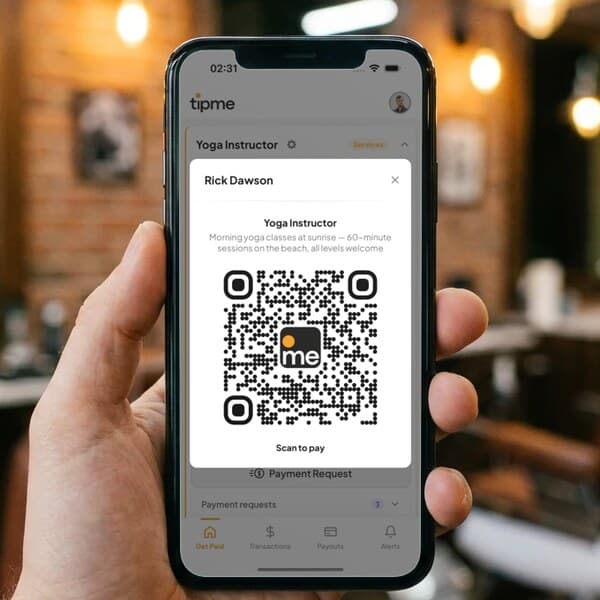
Show it
Pull up your QR code on your phone after finishing a service.
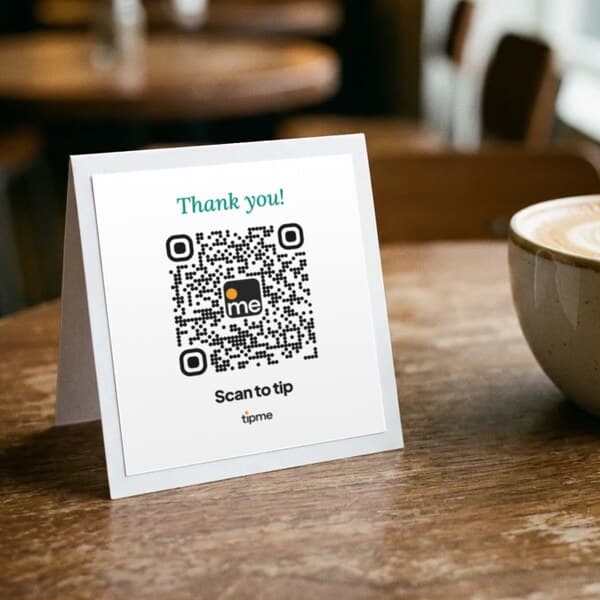
Display it
Place it on a counter, table, workstation, vehicle or printed sign.
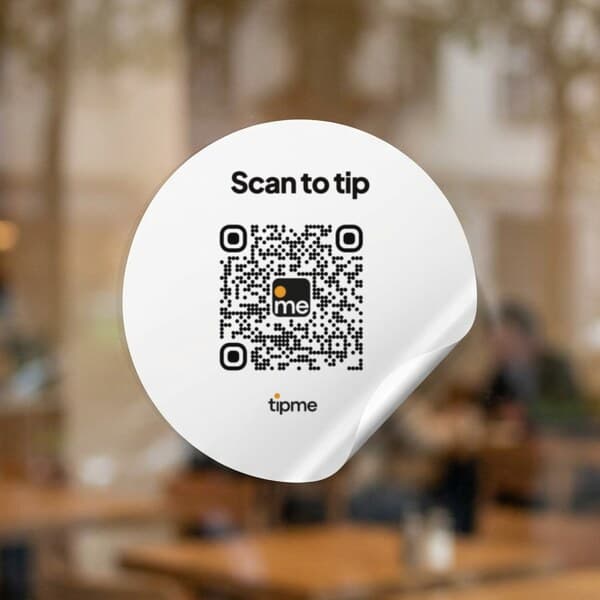
Stick it
Use a QR sticker where customers naturally see it.
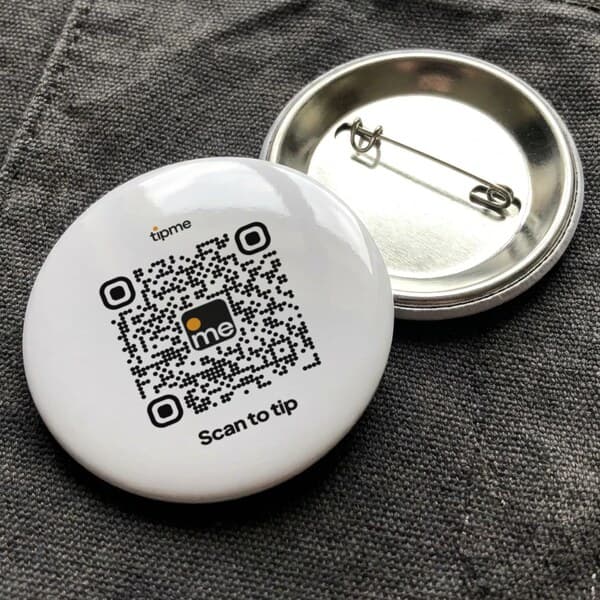
Pin it
A pin badge goes on an apron, jacket or bag strap.
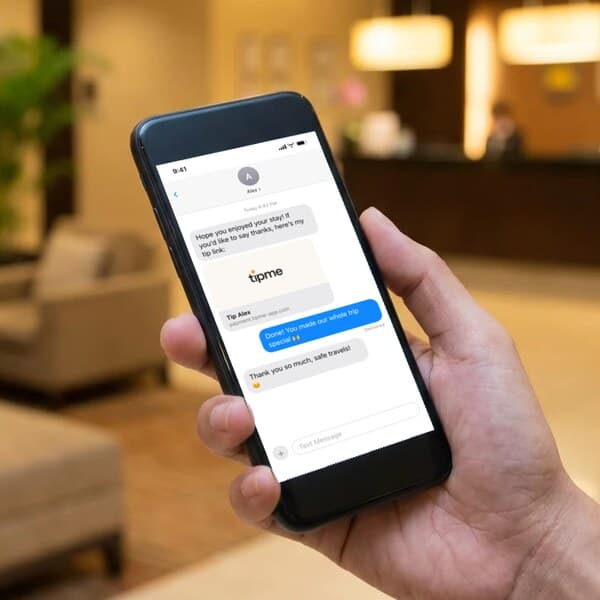
Send it
Send your payment link when your customer isn't standing in front of you.
Built for solo
service providers.
Your customer already
knows how to pay.
- Apple Pay
- Google Pay
- Tap To Pay
- Credit/Debit Card
- Cash App
- Crypto
- Bank Transfer
- Amazon Pay







Guides to getting
paid.
Can you use a personal Venmo or Cash App account for client payments?
What Venmo, Cash App and PayPal say about client payments in a personal account, what each costs as of October 2026, and when a payment page fits better.
No Tax on Tips if you're self-employed: who qualifies in 2026
Some self-employed workers can deduct tips from federal income tax. Who qualifies in 2026: SSN, listed jobs, the SSTB exclusion, caps and records.
How to take appointment deposits with a payment link (hair, nails, lessons)
Collect a deposit for a hair, nail or lesson booking with a payment link or a booking page. Amounts, fee math as of October 2026, and policy wording.
How to accept Tap to Pay on iPhone as an individual
Take contactless cards and Apple Pay on your own iPhone with no card reader and no LLC. Setup, fees as of October 2026, receipts, payouts and limits.
How street performers get tipped without cash in 2026
Fewer people carry cash, so buskers add a QR code next to the case. Signs, placement, fees on small tips, tamper checks and the tax catch for performers.
How to pay contactless with your iPhone (and Apple Watch)
Pay with Apple Pay at a store reader, on a worker's phone with Tap to Pay, or on a QR code page in Safari. Which iPhones work and what to do if a tap fails.
Is contactless payment safe? What happens when you tap your iPhone
A tap sends a one-time code, not your card number. How tokens, Face ID and Lost Mode protect you, what the seller sees, and where the real risks are.
Contactless, QR code or card reader: which should a solo worker use?
Tap to Pay on your phone, a QR code or a card reader? A fair side-by-side for solo workers, with published fees as of October 2026 and where each fails.
How to get paid for house cleaning when the client isn't home
Most cleaning clients are at work when you finish. Use payment links, separate QR codes for cleaning and tips, and polite reminders to get paid.
tipme is a payment and digital tipping platform for people who get paid directly by customers. You can accept service payments and voluntary tips using a QR code, payment link or Tap to Pay.
No LLC or EIN is required to create an individual tipme account. Identity and payment-account verification requirements may apply. Licensing, registration and tax requirements for your work depend on your profession and location.
Yes. With Tap to Pay, supported customers can make a contactless payment directly on your compatible phone. You can also accept payments through your QR code or payment link.
Yes. tipme lets you create pages for your services and tips under the same account, helping you keep the two types of transactions organized separately.
No. Customers can scan your QR code or open your payment link and pay without creating a tipme account or installing the app.
tipme has no monthly subscription fee and is free to sign up. Transaction fees apply when payments are processed. See the fees page for details.
Payments appear in your tipme account. You can cash out available funds to your bank account, or to an eligible debit card with an instant payout. Payout timing, eligibility and fees depend on the payout method selected.
Not automatically. For tax years 2025 through 2028, eligible workers may be able to deduct up to $25,000 of qualified tips from federal taxable income, subject to IRS requirements. Other taxes may still apply, and California currently does not conform to the federal qualified-tips deduction. tipme does not provide tax advice.
No. tipme can help you keep tip transactions separate from service payments, but tax eligibility is determined under applicable tax law. Consult a qualified tax professional about your individual situation.
You did the work. Getting paid should be the easy part.
Create your payment page, share your QR code, and give customers a simple way to pay for your service or leave a tip.
Free to sign up · No monthly subscription · No card reader required · Transaction fees apply