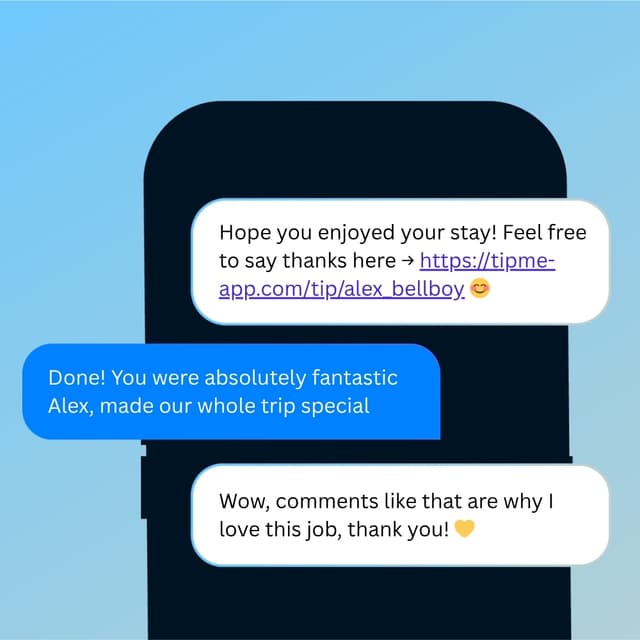
Tipping App for Food Delivery Drivers
Rain or shine, you show up on time. Let customers add a tip at the door with a quick scan — no cash required.


Why TipMe
for Food Delivery Drivers?
Not all delivery platforms pass tips to drivers fairly. TipMe gives drivers a personal tip link independent of any platform — a direct thank-you from the customer to them.
Platform tips aren't always what they seem
Many delivery apps hold, delay, or offset tip payments. A TipMe tip is a direct payment from the customer to you — no platform sitting in the middle.
“Drivers cover their own expenses
Gas, maintenance, and wear on their vehicle come out of drivers' own pockets. Tips aren't a bonus — they're part of making the math work.
“Contactless drop-offs removed the tipping moment
When food is left at the door, there's no face-to-face handoff where a cash tip used to happen. A QR code on the bag or a card at the door brings that moment back.
“How much should you tip a delivery driver?
15–20%
Tip your food delivery driver 15–20% of the order total, with a $3–5 minimum even on small orders. Tip more for bad weather, long distances, large orders, or stairs — and note that app 'service fees' usually don't go to the driver. In-app or QR-code tipping ensures the driver actually receives it.
Up and earning
in minutes.
Accept tips from cards simply, quickly, and securely. Just register in few minutes.
Create Profile
Get your tip page ready in minutes. Best decision you'll make today.
Share QR Code
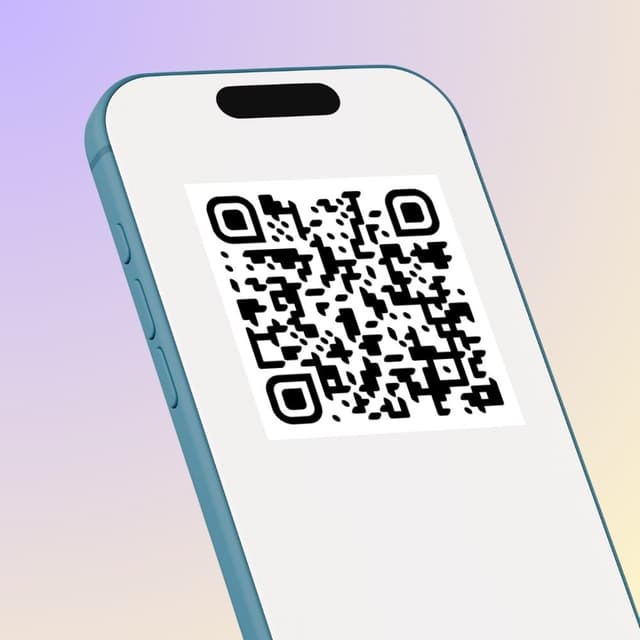
Show your QR code on your phone screen or print it out.
Receive Tips
Customers scan your code and tip you instantly.
Withdrawal of money
To withdraw funds, you only need to specify your bank account or credit card for instant payout.
Accepted
payment methods.
Your customers can tip using any major credit or debit card, Apple Pay, or Google Pay — no app download required.








Where to place
your QR code.
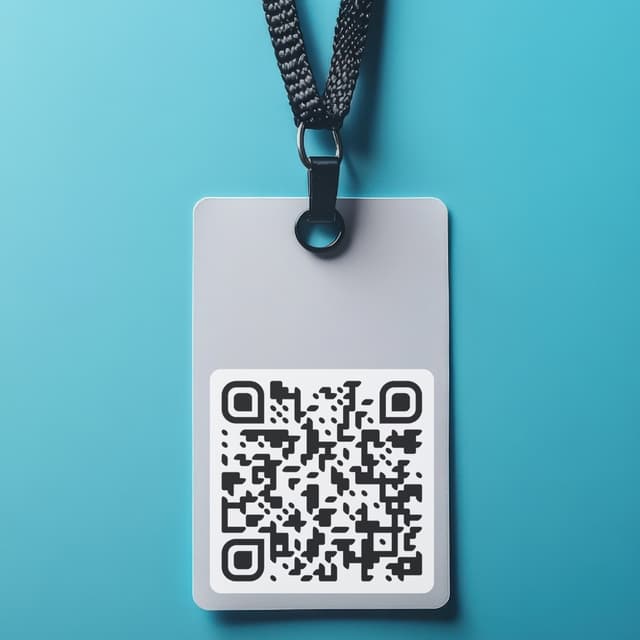
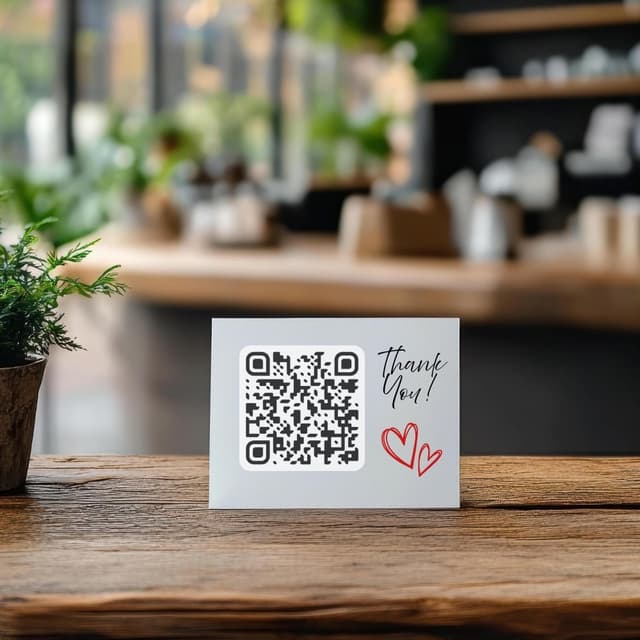
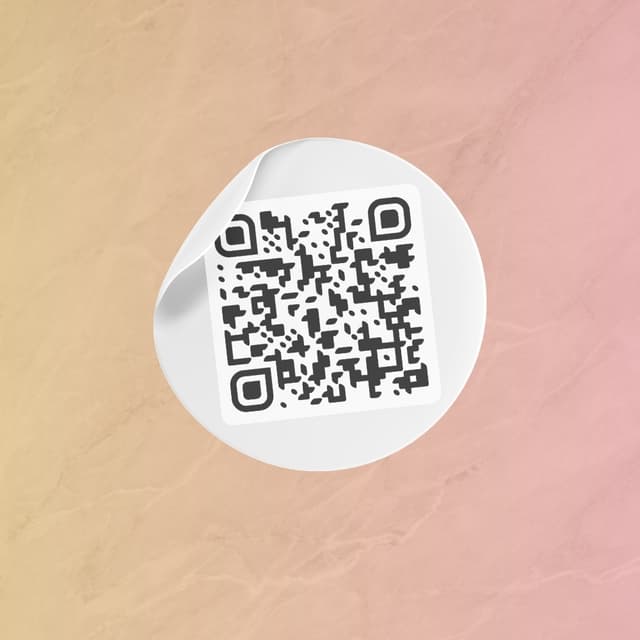
Your QR code works everywhere — on a table, a badge, or a screen. Pick what fits your workflow.
Display on name badges
Show on your phone
QR code on the table
Stick on any surface
Wear as a pin badge
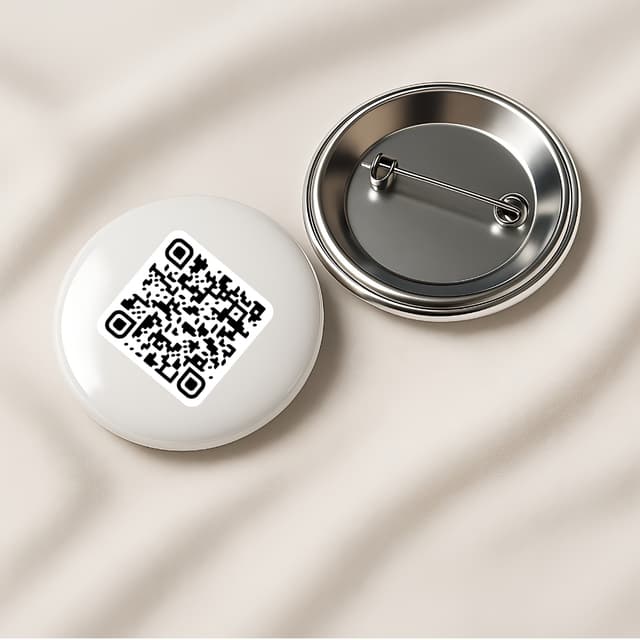
Share as a link