
Tipping App for Cruise Staff
You make every voyage special for every guest. Accept tips anytime on board — independent of the ship's tipping system.


Why TipMe
for Cruise Staff?
Cruise lines have their own gratuity systems — but those pooled tips don't always reflect the exceptional service individual staff provide. TipMe lets guests tip their favorite crew member directly.
Cruise staff work long contracts far from home
Many cruise crew members work long days for months at a stretch. Direct tips from guests recognize individual effort that pooled systems miss.
“Cruise guests are cashless by design
Modern cruise ships operate on card-only onboard accounts — guests have no cash, making digital tipping the only practical option.
“Cruise guests come from all over the world
A single sailing carries passengers from dozens of countries. TipMe accepts cards from any country, so every grateful guest can tip regardless of where they bank.
“How much should you tip a cruise staff member?
$14–16 per person, per day
Tip cruise staff $14–16 per person, per day — most lines add this automatically as a daily service charge split among your cabin steward, waiters, and behind-the-scenes crew. Tip extra in cash or via the ship's app for standout individuals, and note that spa, bar, and specialty-dining bills usually add 18–20% on their own. Only remove the auto-gratuity for a genuine service failure you've reported.
Up and earning
in minutes.
Accept tips from cards simply, quickly, and securely. Just register in few minutes.
Create Profile
Get your tip page ready in minutes. Best decision you'll make today.
Share QR Code
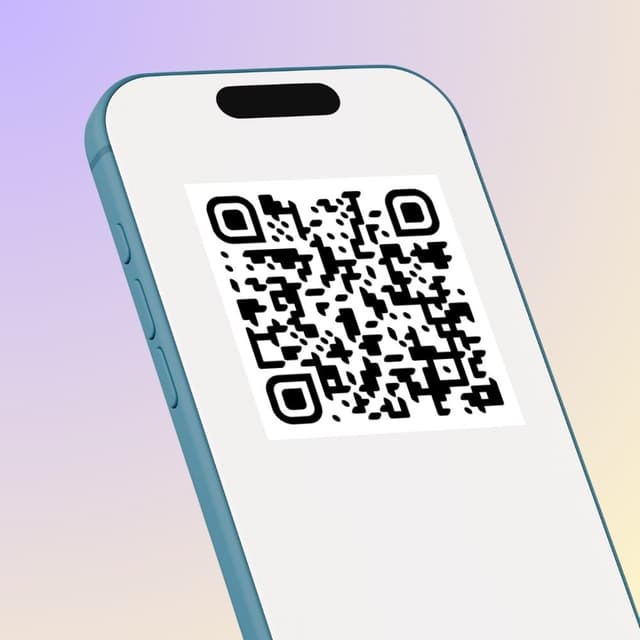
Show your QR code on your phone screen or print it out.
Receive Tips
Customers scan your code and tip you instantly.
Withdrawal of money
To withdraw funds, you only need to specify your bank account or credit card for instant payout.
Accepted
payment methods.
Your customers can tip using any major credit or debit card, Apple Pay, or Google Pay — no app download required.









Where to place
your QR code.
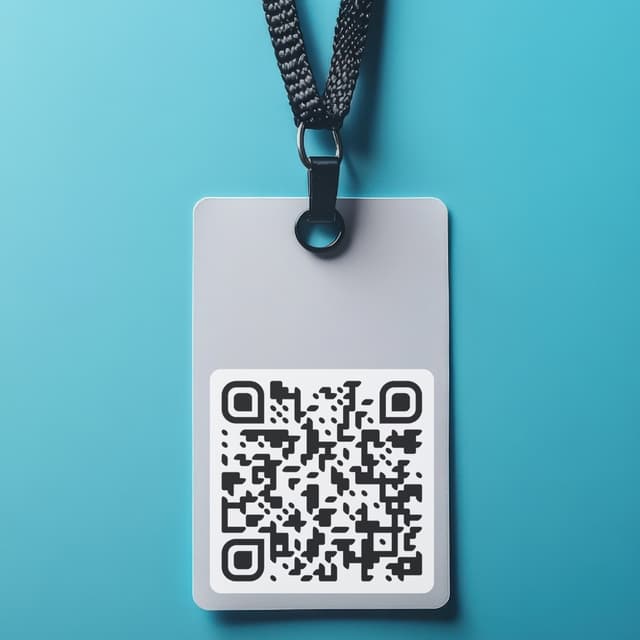
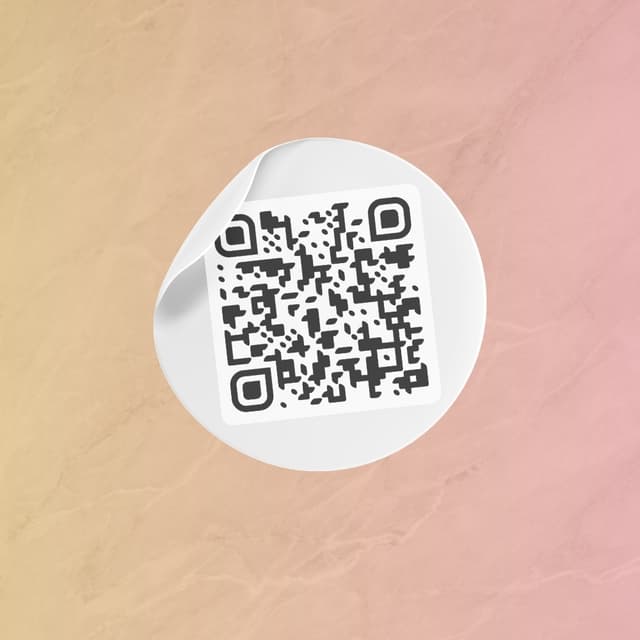
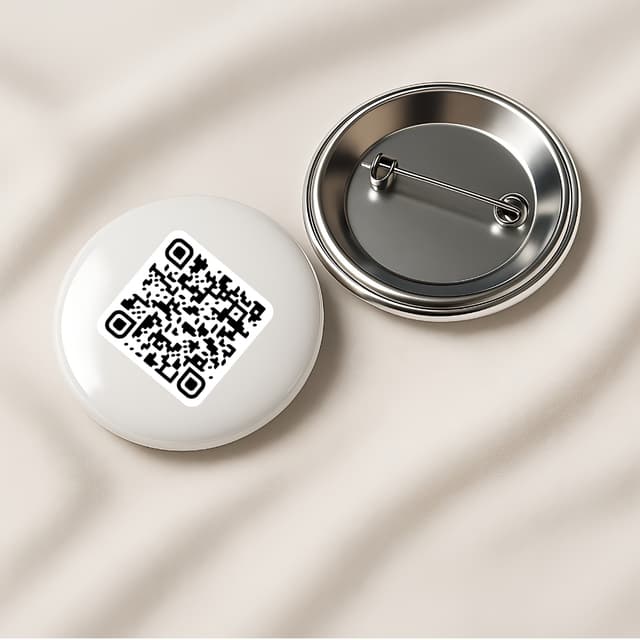
Your QR code works everywhere — on a table, a badge, or a screen. Pick what fits your workflow.
Display on name badges
Show on your phone
QR code on the table

Stick on any surface
Wear as a pin badge
Share as a link