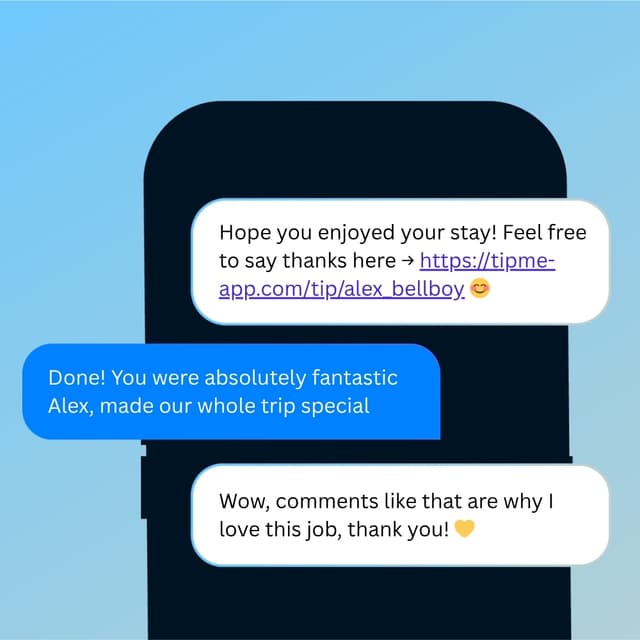
Tipping App for Tour Guides
You bring the city to life for every group. Tourists love to tip a great guide — even when they have no local cash on them.


Why TipMe
for Tour Guides?
International tourists often don't carry local currency at all. TipMe works with any card from any country — so a great tour always ends with the tip the guide deserves.
Tour guides work on small base pay
Most tour guides earn a modest hourly rate — tips from satisfied tourists are what make the job financially worthwhile.
“International visitors rarely carry cash
Travelers visiting from abroad often have no local currency. TipMe accepts payments from any card in any country.
“Many tours run on a pay-what-you-wish model
Free walking tours and tip-based city tours are everywhere now — the guide's entire income is the gratuity at the last stop. An easy digital tipping option isn't a nice-to-have there; it's the business model.
“How much should you tip a tour guide?
10–20%
Tip your tour guide 10–20% of the tour price — about $5–10 per person for a group tour, and toward 20% for a private guide. On 'free' walking tours, the tip is the payment, so $10–20 per person is the norm. Guides increasingly display QR codes at the end of tours for travelers who don't carry local cash.
Up and earning
in minutes.
Accept tips from cards simply, quickly, and securely. Just register in few minutes.
Create Profile
Get your tip page ready in minutes. Best decision you'll make today.
Share QR Code
Show your QR code on your phone screen or print it out.
Receive Tips
Customers scan your code and tip you instantly.
Withdrawal of money
To withdraw funds, you only need to specify your bank account or credit card for instant payout.
Accepted
payment methods.
Your customers can tip using any major credit or debit card, Apple Pay, or Google Pay — no app download required.










Where to place
your QR code.
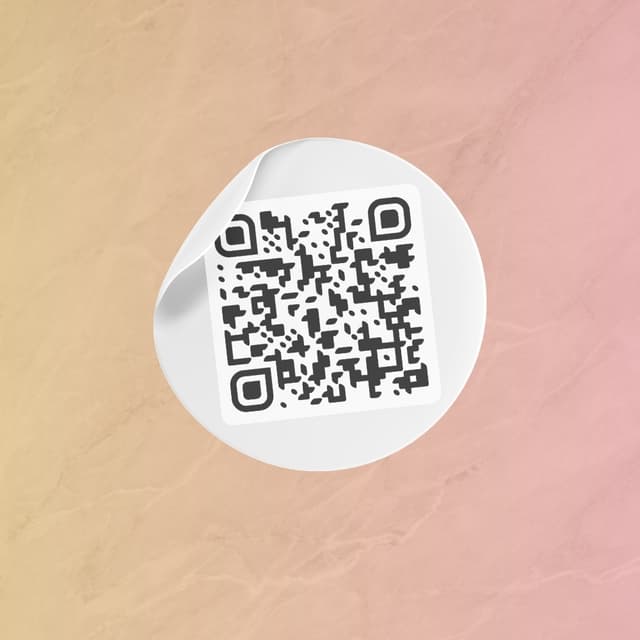
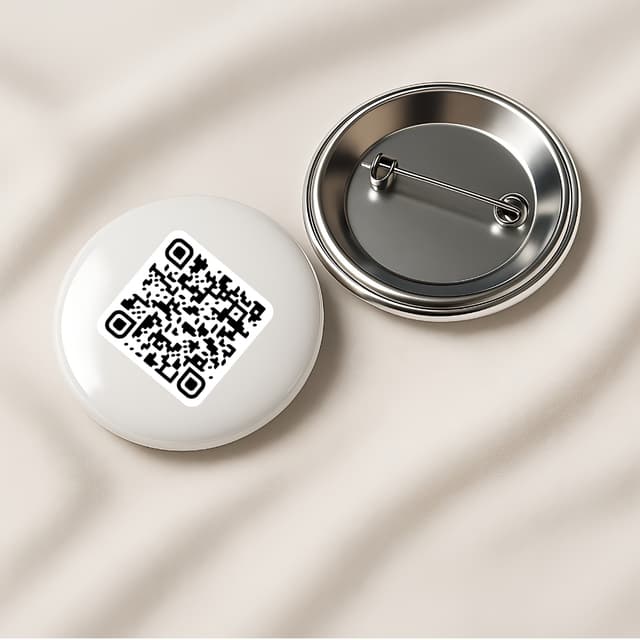
Your QR code works everywhere — on a table, a badge, or a screen. Pick what fits your workflow.
Display on name badges
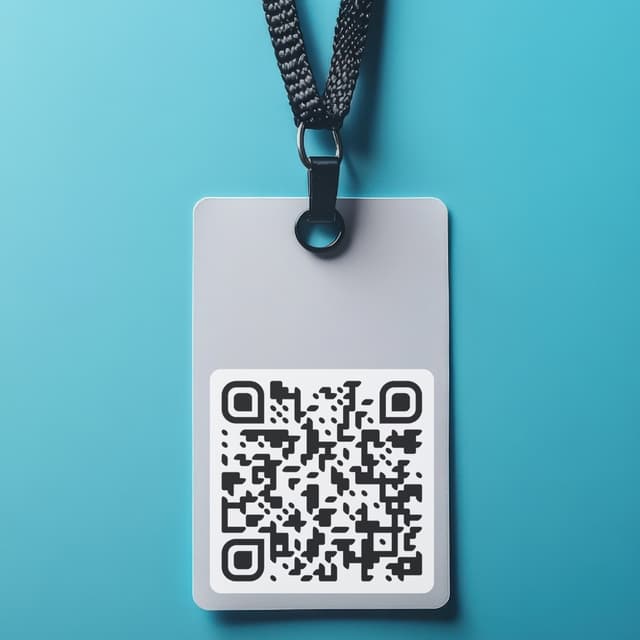
Show on your phone

QR code on the table
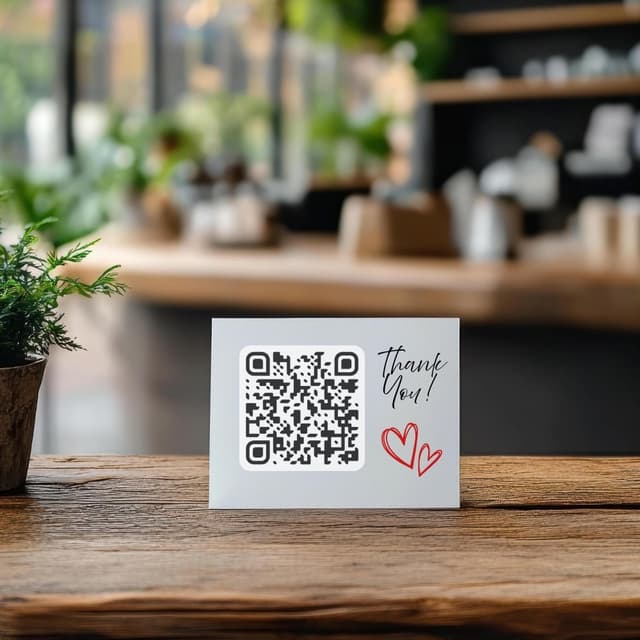
Stick on any surface
Wear as a pin badge
Share as a link