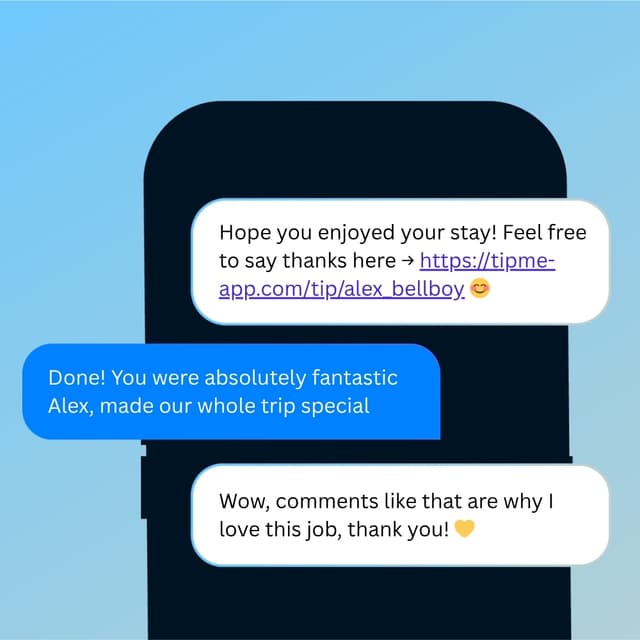
Tipping App for Parking Attendants
You handle their car with care every single time. Drivers want to tip — now they can, even without a dollar in their wallet.


Why TipMe
for Parking Attendants?
Parking is almost entirely cashless now — drivers tap their card to pay and have nothing left to tip with. TipMe bridges that gap with a QR code at the exit booth.
Parking fees are paid digitally but tips still need cash
The gap between cashless parking payment and cash-only tipping is a daily frustration for attendants. TipMe closes that gap completely.
“Parking attendants handle expensive vehicles daily
Moving and parking valuable cars requires care and responsibility. Drivers who trust their car to an attendant often want to tip — they just need a way to do it.
“Attendants work long outdoor shifts
Standing in parking structures or outdoor lots through all weather conditions is demanding work. Tips are a meaningful part of making those shifts worthwhile.
“How much should you tip a parking attendant?
$2–5
Tip your parking attendant $2–5 when they retrieve your car or help you into a tight spot — self-park lots where you keep your keys don't require a tip. Tip toward the higher end for bad weather, a fast retrieval, or extra help with bags. A cashless tip is handy since your cash is often locked in the car.
Up and earning
in minutes.
Accept tips from cards simply, quickly, and securely. Just register in few minutes.
Create Profile
Get your tip page ready in minutes. Best decision you'll make today.
Share QR Code
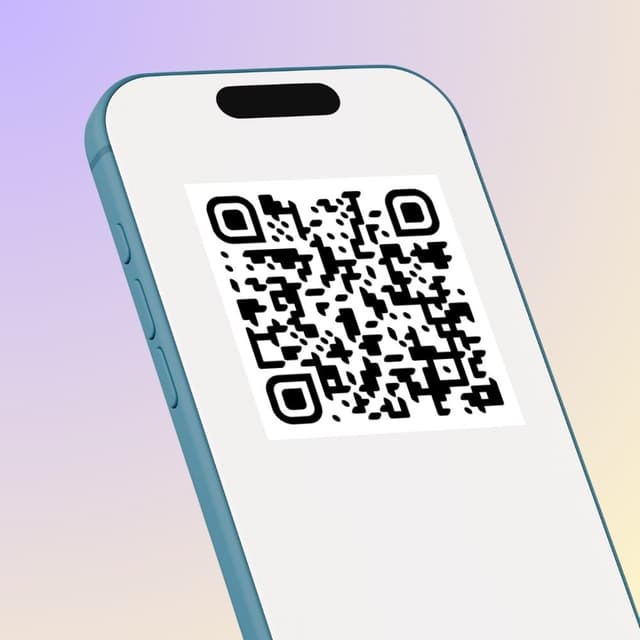
Show your QR code on your phone screen or print it out.
Receive Tips
Customers scan your code and tip you instantly.
Withdrawal of money
To withdraw funds, you only need to specify your bank account or credit card for instant payout.
Accepted
payment methods.
Your customers can tip using any major credit or debit card, Apple Pay, or Google Pay — no app download required.








Where to place
your QR code.
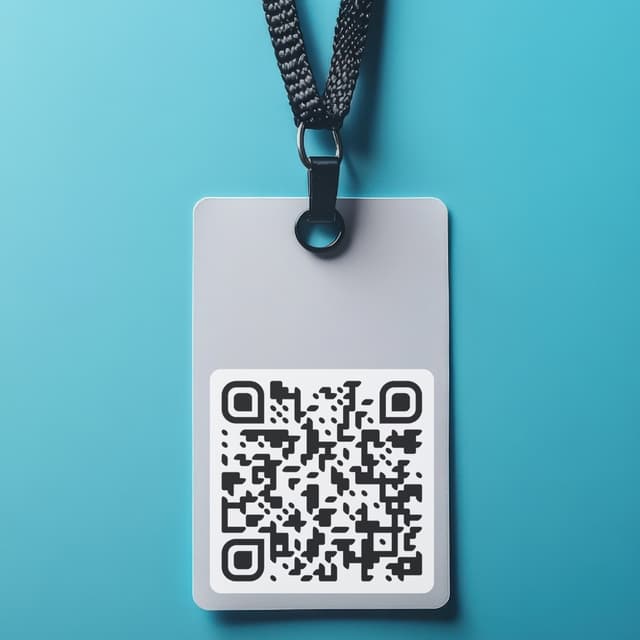
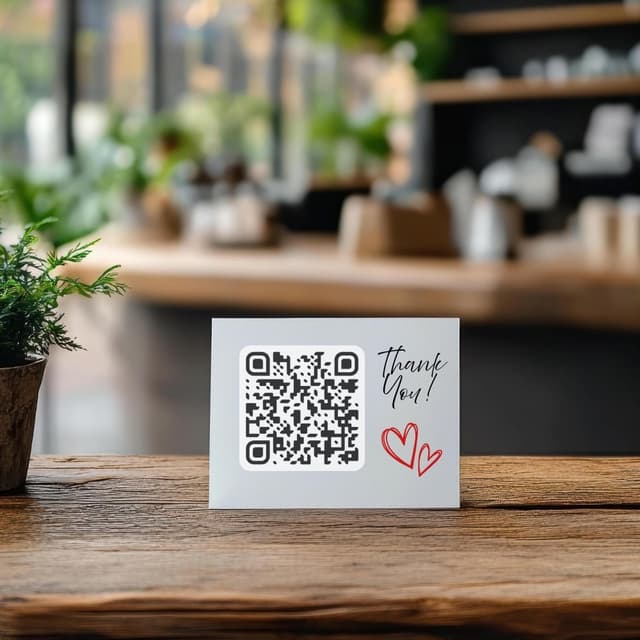
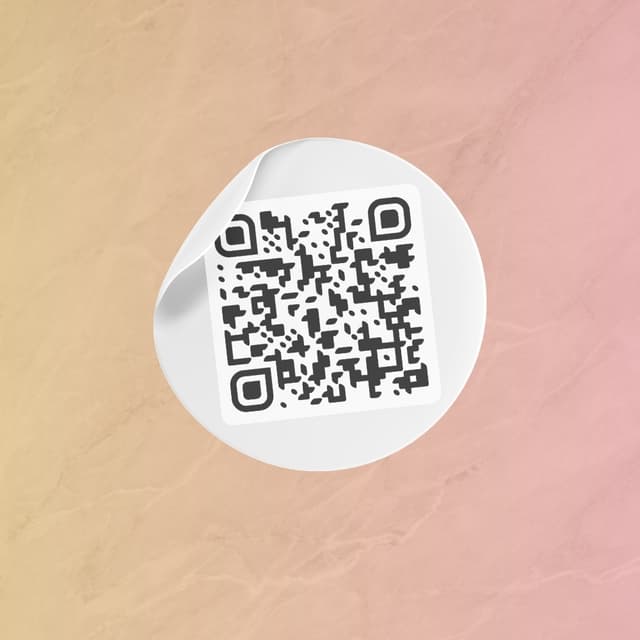
Your QR code works everywhere — on a table, a badge, or a screen. Pick what fits your workflow.
Display on name badges
Show on your phone
QR code on the table
Stick on any surface
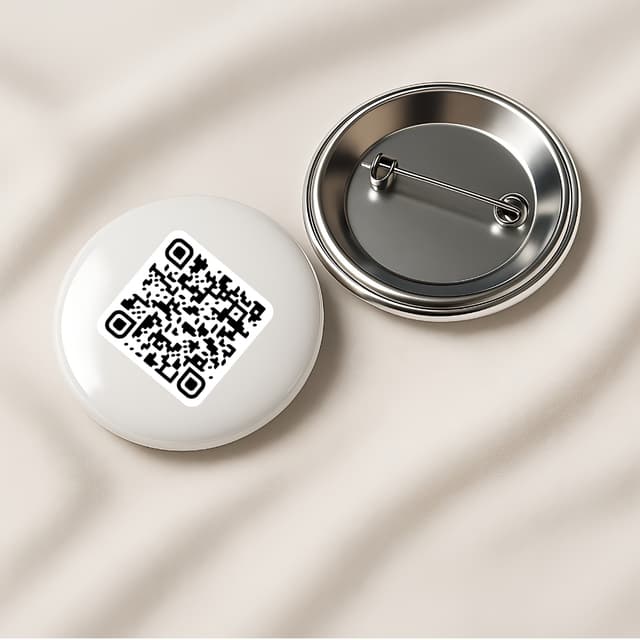
Wear as a pin badge
Share as a link