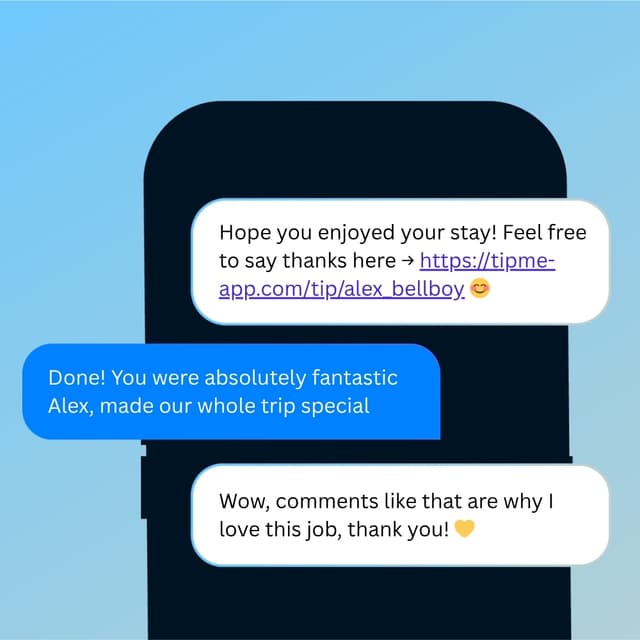
Tipping App for Hibachi Chefs
You cook, you perform, and you make the whole table cheer. Make it just as easy for them to tip you when the show ends.


Everything you need
in one account.
No business registration and no monthly fee. Everything below comes with every account.
Sign up with an SSN or ITIN
No business registration or EIN. Stripe may ask for a photo ID.
Customize each payment page
Your title, your message, preset amounts and what customers see.
Choose who pays the processing fee
Set it per page — the customer covers it, or you do.
Apple Pay, Google Pay, and cards
Visa, Mastercard, Amex and more. No app, no account needed.
Tap to Pay — your phone is the terminal
In the TipMe app, customers tap their card or phone on yours.
Share your page with a QR code
Every page gets its own code and link. Print it or show it.
Tip pages and service payment pages
Up to ten — one for tips, others for classes, appointments or jobs.
Suggested tips or one-time payment links
Customers can still type their own amount, or pay an exact price.
Instant payouts to your debit card
In minutes, or to your bank account in a few business days.
Daily reports and full payment history
A daily recap by email, live totals, and every payment listed.
Tax-ready records and a 1099-K
Export everything as CSV. A 1099-K is issued at IRS thresholds.
Use the website or the mobile app
One account across the web dashboard and iOS and Android.
Why TipMe
for Hibachi Chefs?
A hibachi dinner is part meal, part live show — and guests often want to tip the chef separately from the server. TipMe gives the chef a personal QR code so that applause at the end of the performance can turn into a direct tip.
The show ends, then the moment passes
Guests are most impressed right when the performance wraps — but the chef rolls the cart away before the check arrives. A QR code at the grill captures the tip while the applause is still going.
“Chef tips often get pooled with the table's
When guests add one tip to the bill, it usually flows through the restaurant's system. Tipping the chef directly is a common way for guests to make sure the performer gets recognized.
“Big groups mean big appreciation
Hibachi tables seat entire birthday parties and celebrations. When several guests each want to chip in for the chef, a scannable code beats passing cash around the table.
“Up and earning
in minutes.
Accept tips from cards simply, quickly, and securely. Just register in few minutes.
Create Profile
Get your tip page ready in minutes. Best decision you'll make today.
Share QR Code
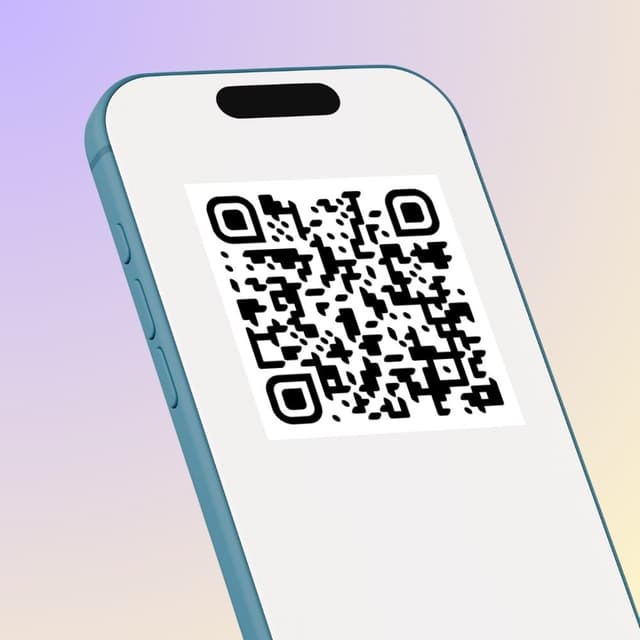
Show your QR code on your phone screen or print it out.
Receive Tips
Customers scan your code and tip you instantly.
Withdrawal of money
To withdraw funds, you only need to specify your bank account or credit card for instant payout.
Accepted
payment methods.
Your customers can tip using any major credit or debit card, Apple Pay, or Google Pay — no app download required.









Where to place
your QR code.
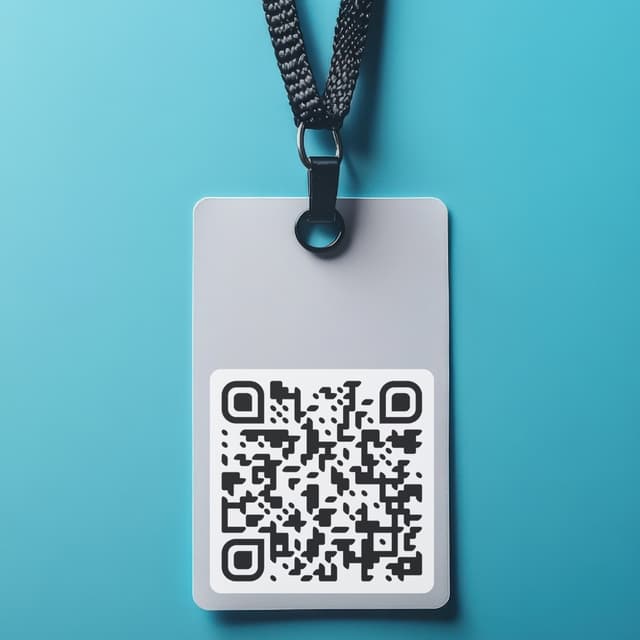
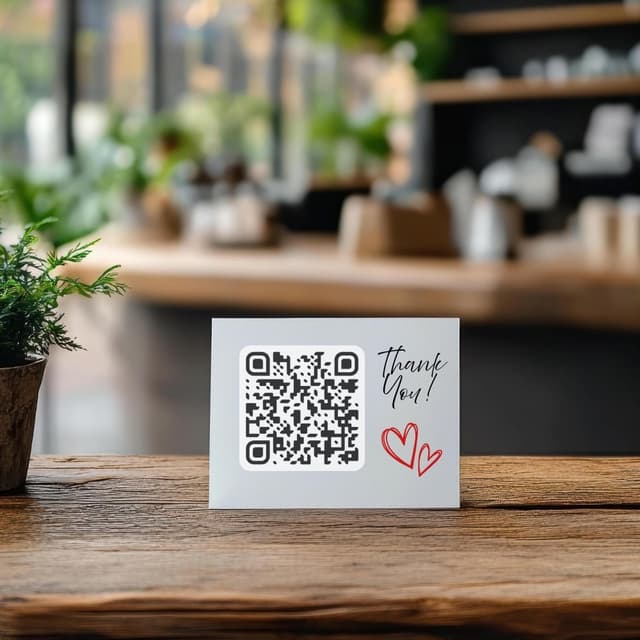
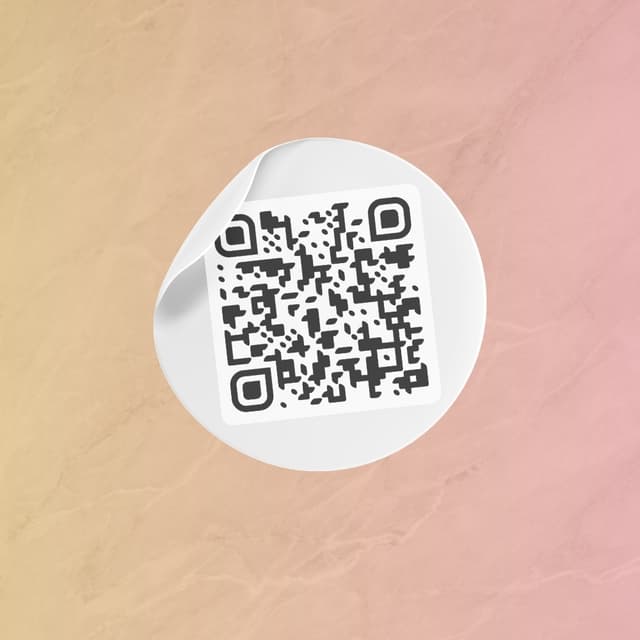
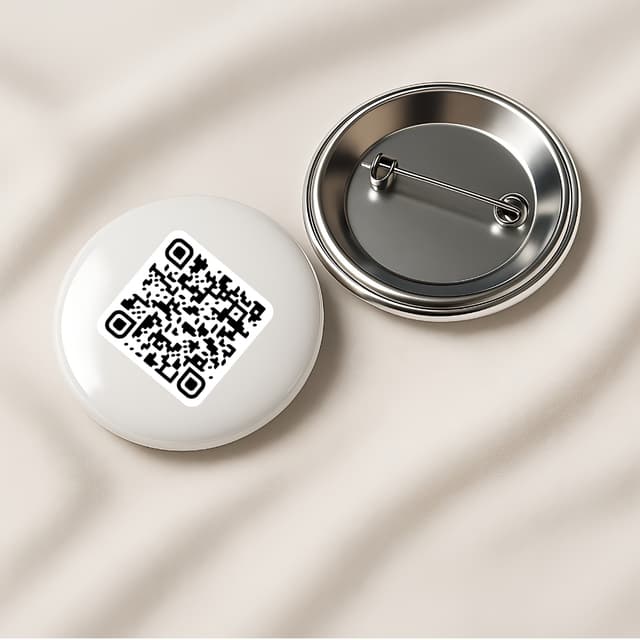
Your QR code works everywhere — on a table, a badge, or a screen. Pick what fits your workflow.
Display on name badges
Show on your phone
QR code on the table
Stick on any surface
Wear as a pin badge
Share as a link