Sign up with an SSN or ITIN
No business registration or EIN. Stripe may ask for a photo ID.

Every lesson ends the same way — one scan and the week is paid. In your studio, at their kitchen table, or over video.
No business registration and no monthly fee. Everything below comes with every account.
No business registration or EIN. Stripe may ask for a photo ID.
Your title, your message, preset amounts and what customers see.
Set it per page — the customer covers it, or you do.
Visa, Mastercard, Amex and more. No app, no account needed.
In the TipMe app, customers tap their card or phone on yours.
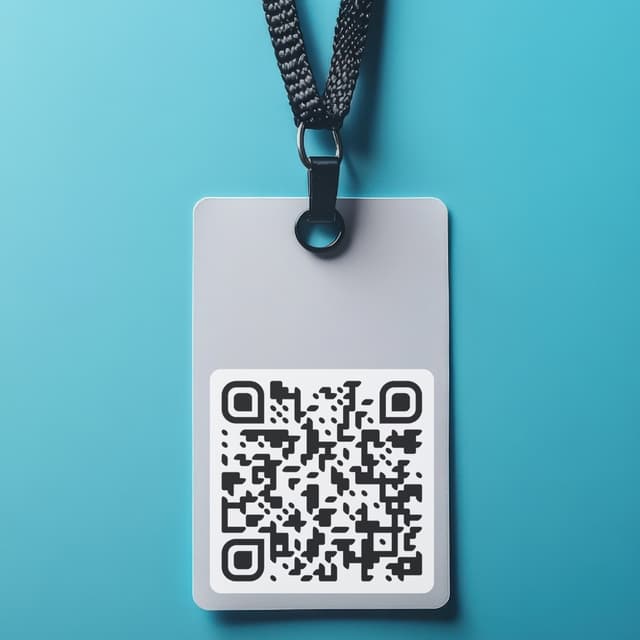
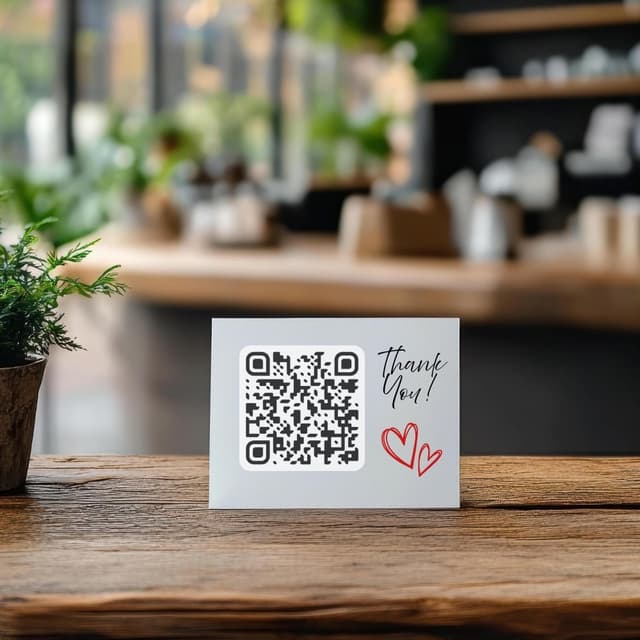
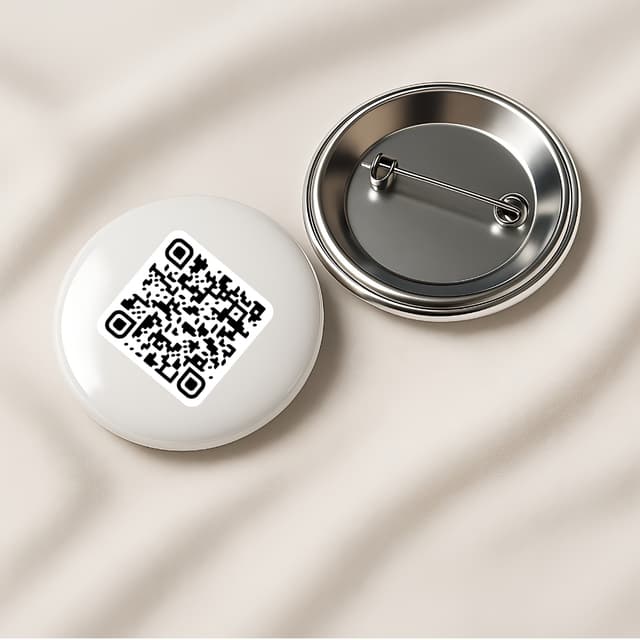
Every page gets its own code and link. Print it or show it.
Up to ten — one for tips, others for classes, events or jobs.
Customers can still type their own amount, or pay an exact price.
In minutes, or to your bank account in a few business days.
A daily recap by email, live totals, and every payment listed.
Export everything as CSV. A 1099-K is issued at IRS thresholds.
One account across the web dashboard and iOS and Android.
Independent guitar teachers use TipMe to collect lesson fees with card, Apple Pay, and Google Pay. The student — or the parent — scans your personal QR code when the lesson ends, pays, and can add a tip. No school taking a cut, money directly to you.
Case latched, capo off, one scan. No running tab, no “I'll get you next week,” no chasing parents by text on a Sunday night.
“The QR code lives on your case or music stand, and the same payment link covers the students you only ever see on a screen.
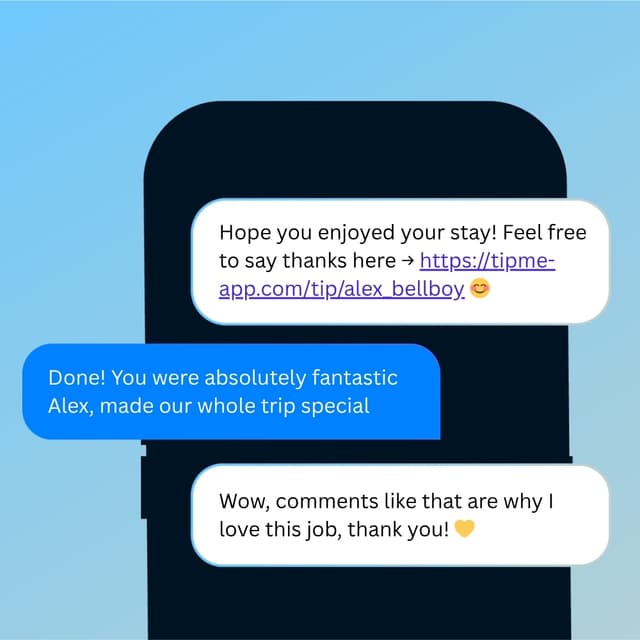
“Text the link with a ten-lesson price and it's paid before Saturday. Recital nights earn a tip on top through the same page.
“Accept tips from cards simply, quickly, and securely. Just register in few minutes.
Get your tip page ready in minutes. Best decision you'll make today.
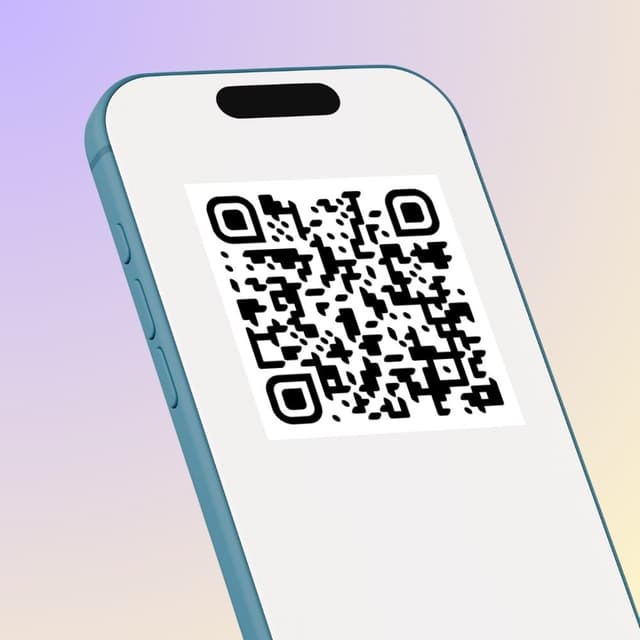
Show your QR code on your phone screen or print it out.
Customers scan your code and tip you instantly.
To withdraw funds, you only need to specify your bank account or credit card for instant payout.
Your customers can tip using any major credit or debit card, Apple Pay, or Google Pay — no app download required.
Your QR code works everywhere — on a table, a badge, or a screen. Pick what fits your workflow.