
Tipping App for Wedding Photographers
You capture the most important day of their lives. Couples want to show real appreciation — let them tip you on the spot.


Why TipMe
for Wedding Photographers?
Weddings are fully cashless events — couples have pre-paid everything. TipMe lets them add a genuine tip on the day itself, right when emotions are highest.
Wedding photographers work marathon days
A wedding often means 10-plus hours on your feet, capturing every moment from prep to last dance. Tips recognize that dedication in a way the original contract can't.
“Couples rarely have cash at their own wedding
Everything at a modern wedding is pre-paid or charged to a card. Couples who want to tip their photographer on the day have no realistic way to do it without TipMe.
“The emotional high of a wedding day drives generous tipping
At the peak of one of the happiest days of their lives, couples feel genuinely generous. TipMe makes sure that feeling can be expressed instantly and directly.
“How much should you tip a wedding photographer?
not expected, but appreciated
Tipping your wedding photographer is not expected, especially when they own the studio — but $50–200 is a generous gesture for exceptional work. If the photographer is an employee or brought a second shooter, a $50–100 tip per person is more customary. A glowing review and referrals are also considered part of the thank-you.
Up and earning
in minutes.
Accept tips from cards simply, quickly, and securely. Just register in few minutes.
Create Profile
Get your tip page ready in minutes. Best decision you'll make today.
Share QR Code
Show your QR code on your phone screen or print it out.
Receive Tips
Customers scan your code and tip you instantly.
Withdrawal of money
To withdraw funds, you only need to specify your bank account or credit card for instant payout.
Accepted
payment methods.
Your customers can tip using any major credit or debit card, Apple Pay, or Google Pay — no app download required.










Where to place
your QR code.
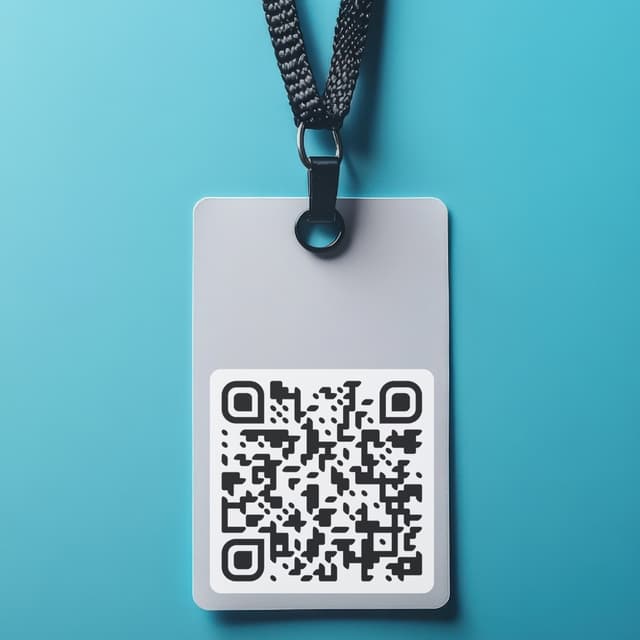
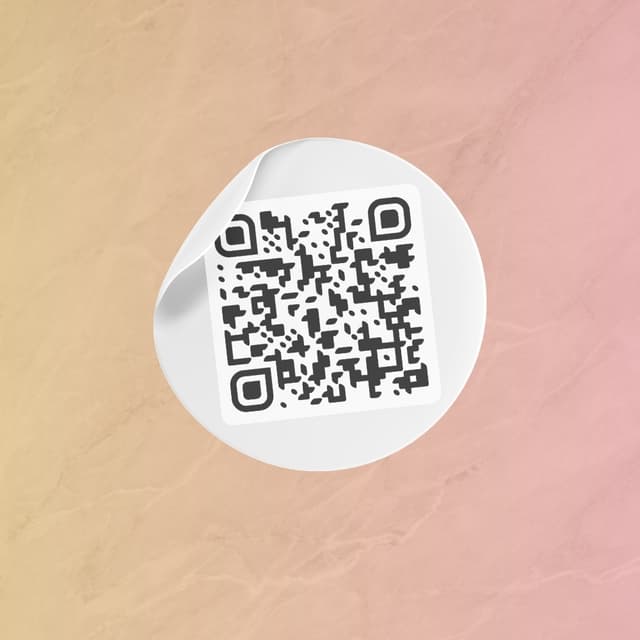
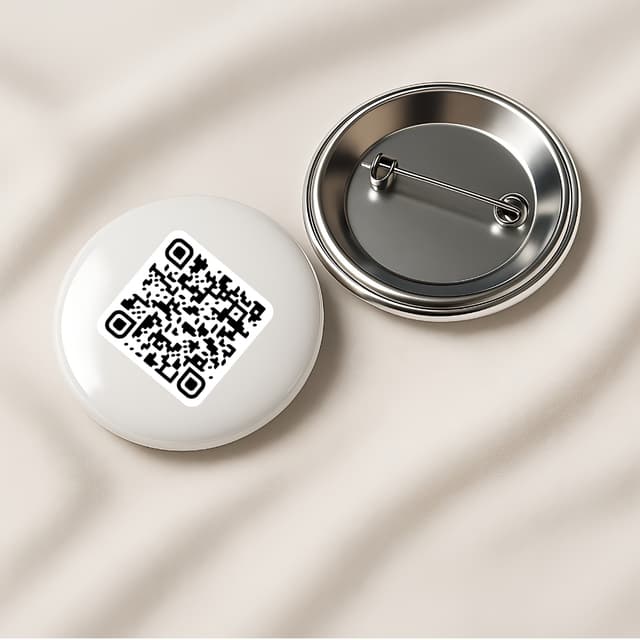
Your QR code works everywhere — on a table, a badge, or a screen. Pick what fits your workflow.
Display on name badges
Show on your phone

QR code on the table

Stick on any surface
Wear as a pin badge
Share as a link