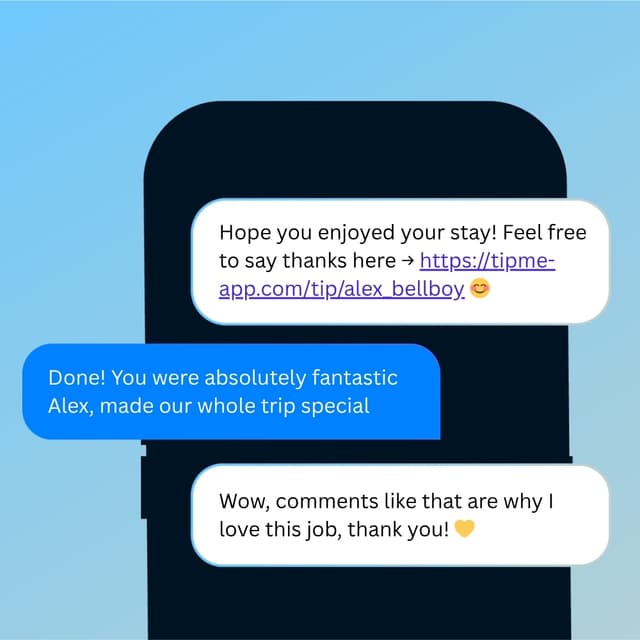
Tipping App for Personal Trainers
You push your clients to be their best every session. Let them tip you directly — no gym cut, just your hard-earned reward.


Why TipMe
for Personal Trainers?
Personal training is an intimate, results-driven relationship. Clients who hit their goals want to reward the person who got them there — TipMe makes that possible without the awkwardness of handing over cash.
Trainers often work across multiple gyms
Independent personal trainers who split time between locations can use one TipMe profile everywhere — no need for multiple tip systems.
“Gym commissions reduce trainer pay
Many gyms take a significant share of every session fee. Tips sent through TipMe go directly to the trainer, making them a meaningful income boost.
“Clients tip trainers at milestones and holidays
Tipping a trainer isn't tied to every session — many clients show appreciation after hitting a goal, at the end of a program, or around the holidays. TipMe makes those moments effortless.
“How much should you tip a personal trainer?
not expected, but appreciated
A tip is not expected for personal trainers — their session rates are considered full payment for a professional service. Many clients instead give a holiday gift or an occasional bonus equal to one session's cost, especially for a longtime trainer. If your gym allows tipping, a small digital tip after a milestone is a thoughtful gesture.
Up and earning
in minutes.
Accept tips from cards simply, quickly, and securely. Just register in few minutes.
Create Profile
Get your tip page ready in minutes. Best decision you'll make today.
Share QR Code
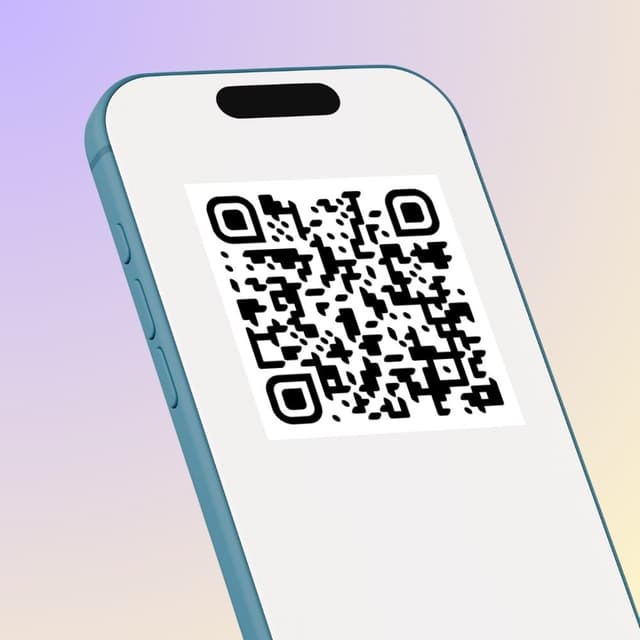
Show your QR code on your phone screen or print it out.
Receive Tips
Customers scan your code and tip you instantly.
Withdrawal of money
To withdraw funds, you only need to specify your bank account or credit card for instant payout.
Accepted
payment methods.
Your customers can tip using any major credit or debit card, Apple Pay, or Google Pay — no app download required.









Where to place
your QR code.
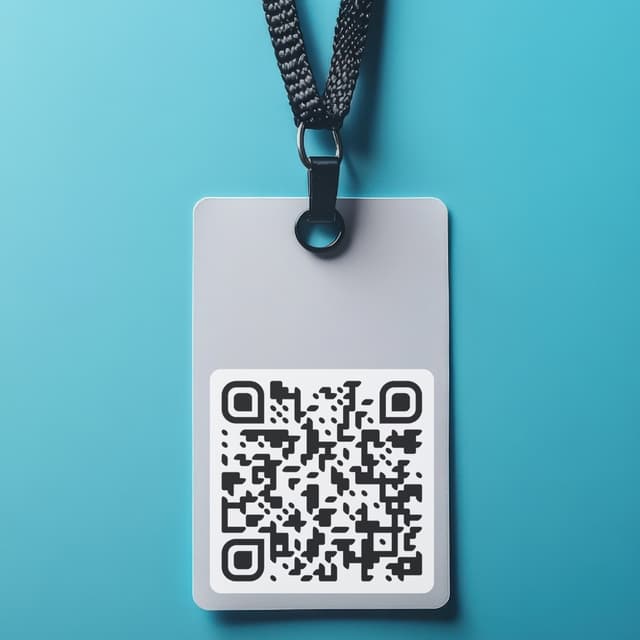
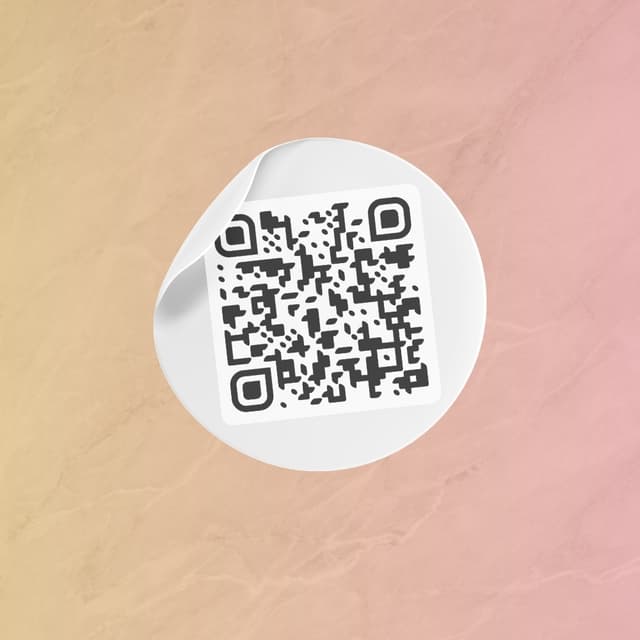
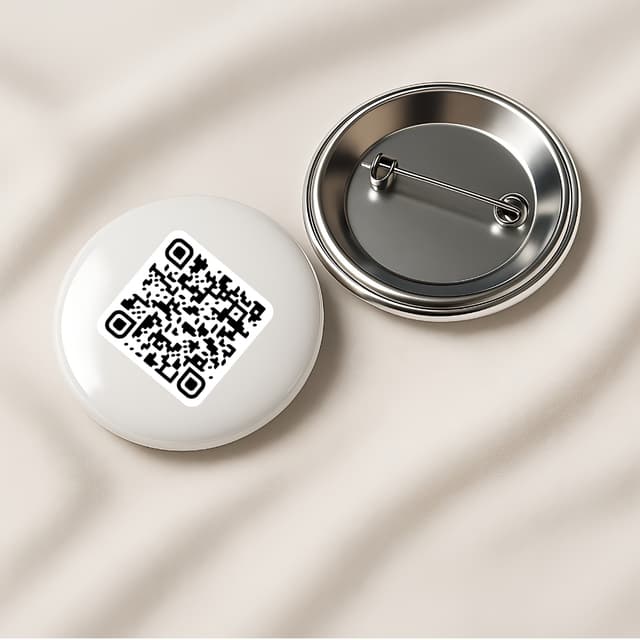
Your QR code works everywhere — on a table, a badge, or a screen. Pick what fits your workflow.
Display on name badges
Show on your phone
QR code on the table

Stick on any surface
Wear as a pin badge
Share as a link