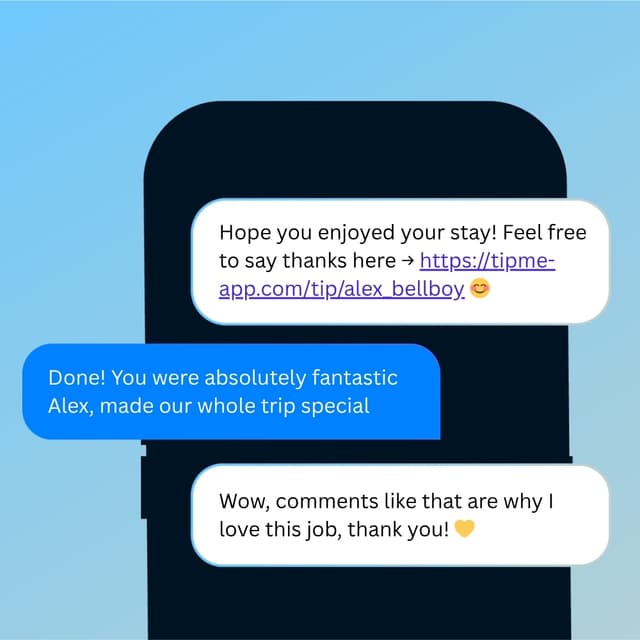
Payment App for HVAC & AC Repair Technicians
You bring the cold air back on the hottest day of the year. TipMe gets you paid while the house cools down — one QR scan, any card, no invoices.


Why TipMe
for HVAC Technicians?
Independent HVAC and AC repair technicians use TipMe to accept card, Apple Pay, and Google Pay payments right after the fix. The customer scans your personal QR code, pays on the spot, and can add a tip — everything goes directly to your account.
Paid at the vent, not net-30
The AC hums back to life and the customer is relieved and right there. A QR code turns that moment into an instant payment instead of an invoice that ages for weeks.
“Solo techs don't need a billing department
No card reader, no invoicing suite, no processing setup. Your TipMe link accepts any card and any wallet, and works the same on a $95 service call or a compressor replacement.
“Heat-wave heroes get tipped
Customers whose AC you revived in July regularly want to add something extra. TipMe lets them tip on top of the payment in the same scan.
“Up and earning
in minutes.
Accept tips from cards simply, quickly, and securely. Just register in few minutes.
Create Profile
Get your tip page ready in minutes. Best decision you'll make today.
Share QR Code
Show your QR code on your phone screen or print it out.
Receive Tips
Customers scan your code and tip you instantly.
Withdrawal of money
To withdraw funds, you only need to specify your bank account or credit card for instant payout.
Accepted
payment methods.
Your customers can tip using any major credit or debit card, Apple Pay, or Google Pay — no app download required.










Where to place
your QR code.
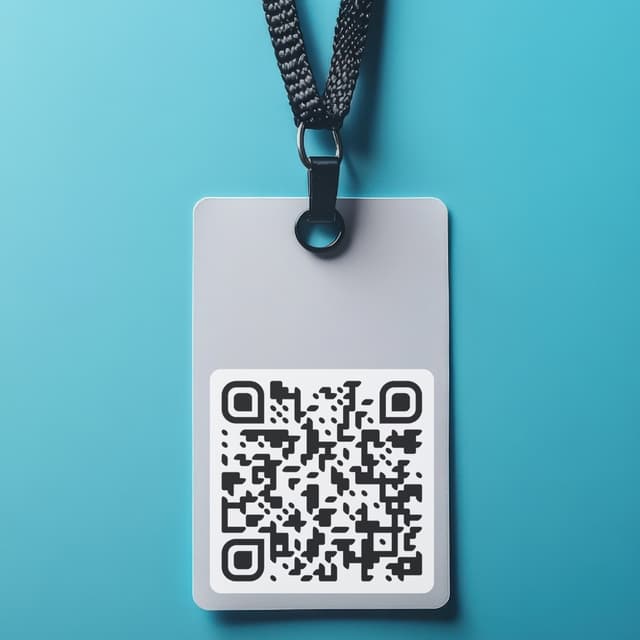
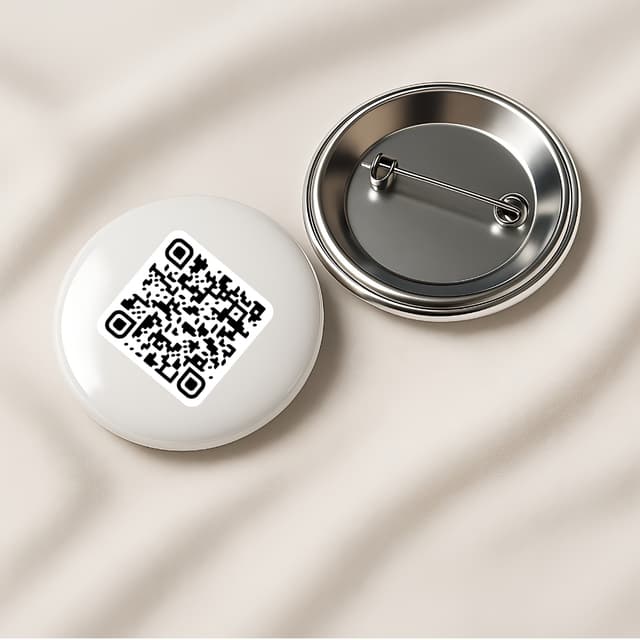
Your QR code works everywhere — on a table, a badge, or a screen. Pick what fits your workflow.
Display on name badges
Show on your phone

QR code on the table

Stick on any surface

Wear as a pin badge
Share as a link