Tipping App for Barbers
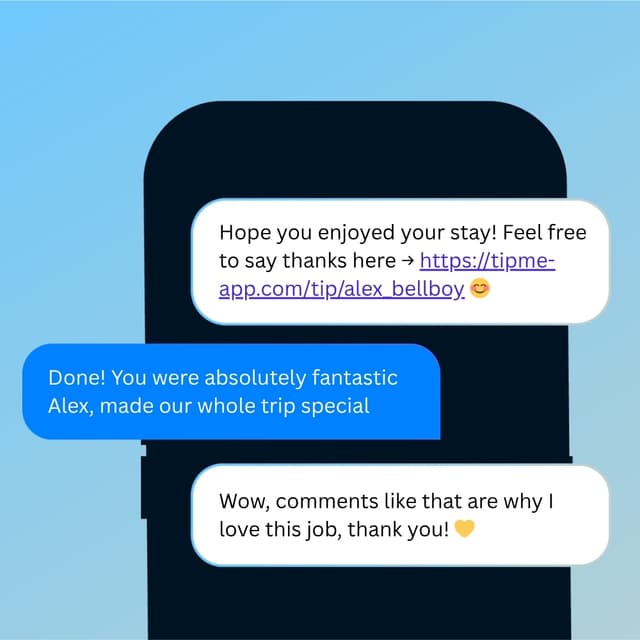
A fresh cut deserves a proper tip. Let your clients show love with a quick tap — no cash, no awkward moment.


Why TipMe
for Barbers?
Barbershops are social, high-trust spaces. A personal QR code at the chair feels natural — clients scan it the same way they'd Venmo a friend, no awkwardness involved.
Clients want to tip but often have no cash
Many regular barbershop clients have completely switched to card and mobile payments — and feel genuinely bad when they can't leave a tip.
“Independent barbers benefit most
Barbers who rent their chair or work independently keep 100% of tips through TipMe — no shop owner involved, no split.
“Regulars tip the most — make it a habit
A loyal client who tips every visit adds up to serious money over a year. Once they've scanned your QR code the first time, tipping becomes part of their routine.
“How much should you tip a barber?
15–20%
Tip your barber 15–20% of the haircut price — roughly $5–10 on a typical cut. Tip more for a hot-towel shave, beard work, or a barber who consistently squeezes you in. If the shop is cash-only at the register, a digital tip through a QR code keeps it simple.
Up and earning
in minutes.
Accept tips from cards simply, quickly, and securely. Just register in few minutes.
Create Profile
Get your tip page ready in minutes. Best decision you'll make today.
Share QR Code
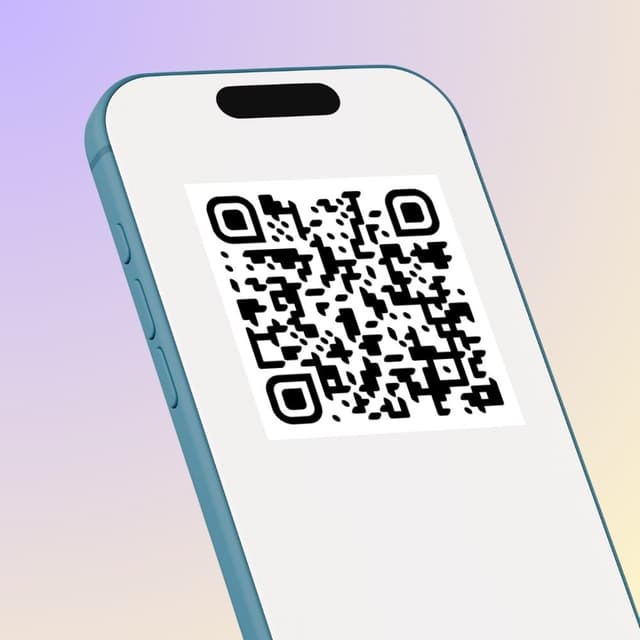
Show your QR code on your phone screen or print it out.
Receive Tips
Customers scan your code and tip you instantly.
Withdrawal of money
To withdraw funds, you only need to specify your bank account or credit card for instant payout.
Accepted
payment methods.
Your customers can tip using any major credit or debit card, Apple Pay, or Google Pay — no app download required.







Where to place
your QR code.
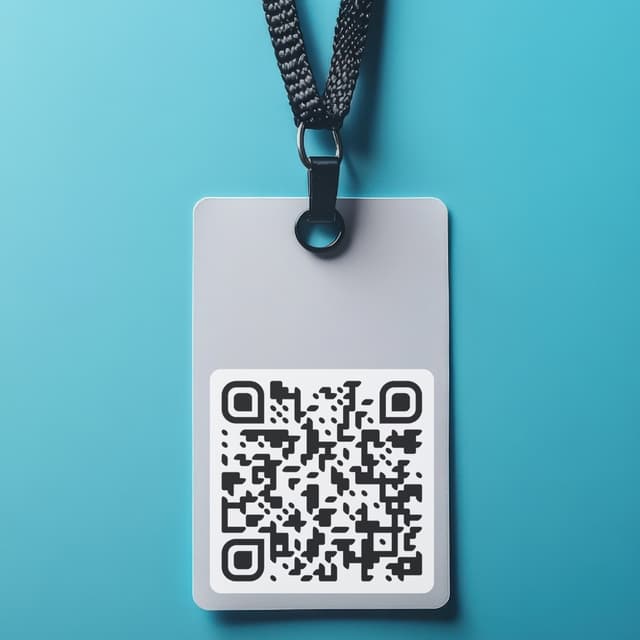
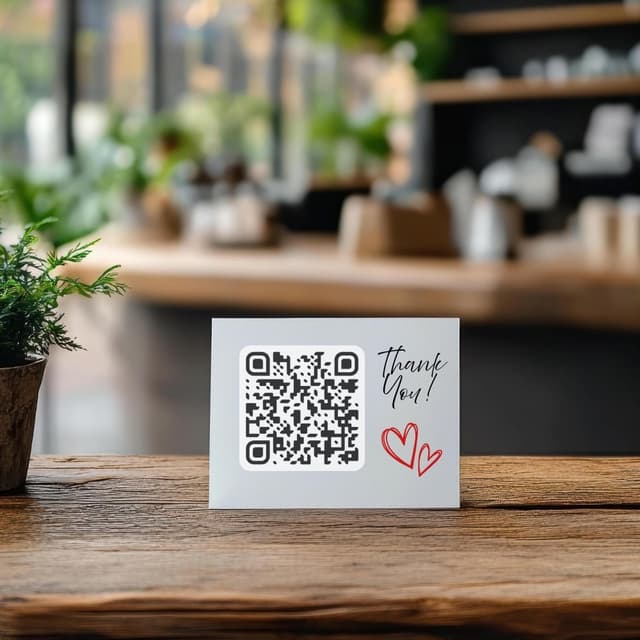
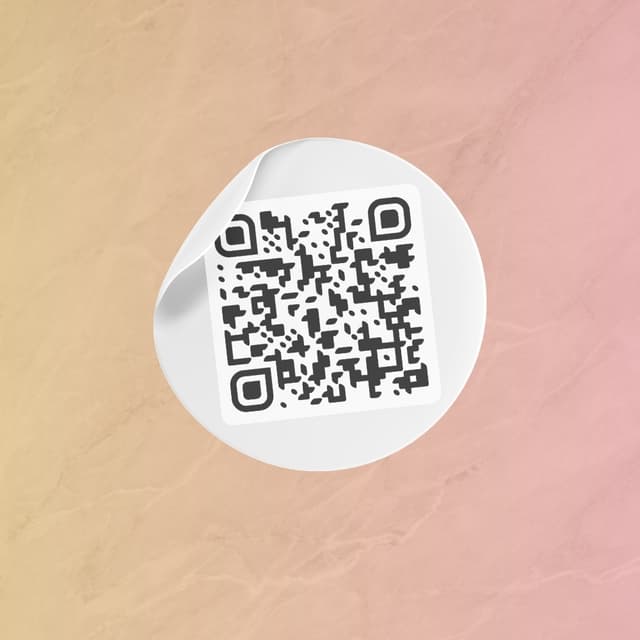
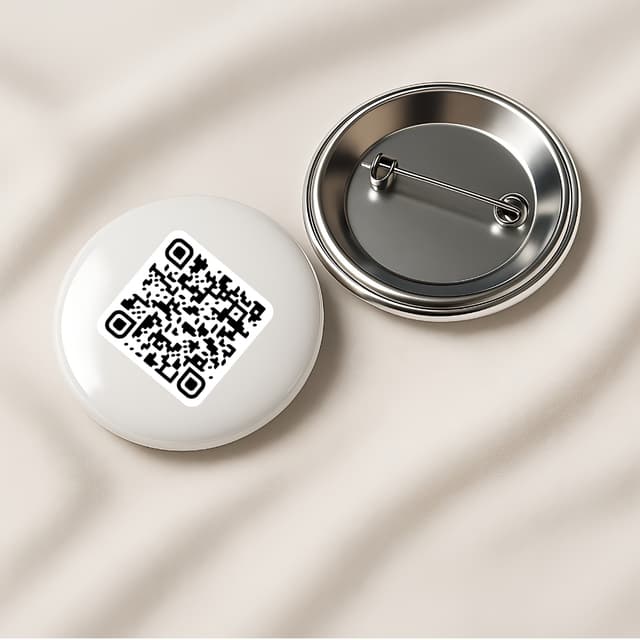
Your QR code works everywhere — on a table, a badge, or a screen. Pick what fits your workflow.
Display on name badges
Show on your phone
QR code on the table
Stick on any surface
Wear as a pin badge
Share as a link